| Graphical
Analog Display |
Automation:
Page 1 2 3
4 5 |
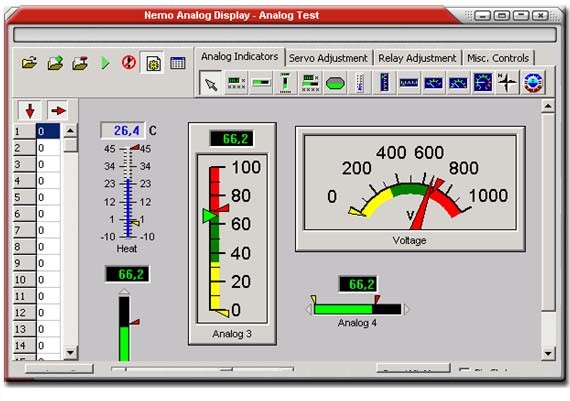
The analog
input is displayed in screens using libraries of graphical controls.
One Step
Setup:
In design mode, the user can select a control from the icon library and
drop it on the form.
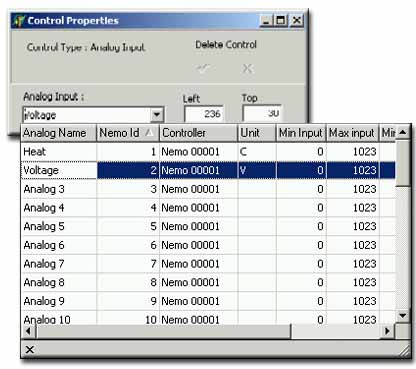
A pop-up menu (second screenshot) is used to assign the desired input
to the control.
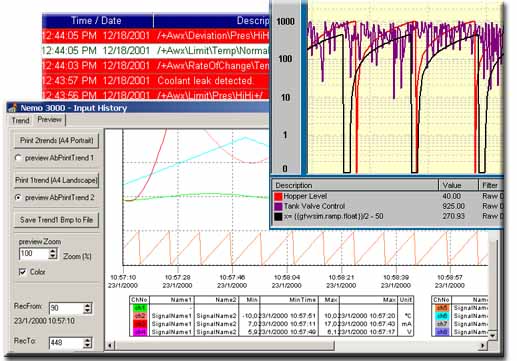
History Reports for all or selected input values, Statistics by date
range and input:
|


